SQL Formatter
Format messy SQL into readable, review-friendly queries without leaving the browser. Useful for debugging joins, sharing snippets in tickets, and cleaning up generated SQL before it reaches production docs.
Find this tool useful? Support the project to keep it free!
Buy me a coffeeWhat is SQL Formatter?
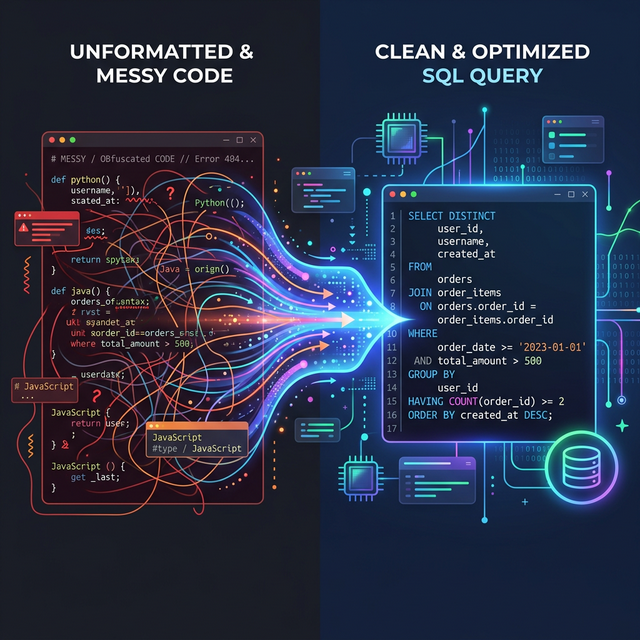
SQL Formatter turns compressed, one-line, or inconsistent SQL into a layout that is easier to read line by line. That matters when you are checking joins, following nested conditions, or trying to see why a query is returning the wrong rows in development or production.
It is especially useful for ORM output, copied log statements, and hand-written queries that have lost their structure. Formatting changes whitespace and line breaks only, so you can inspect the query more clearly without changing what it does.
How to Use SQL Formatter
Paste your SQL query
Click format or see live formatting
Copy the formatted result
Common Use Cases
- Backend developers cleaning up ORM-generated SQL before debugging filters, joins, or ordering issues.
- Engineers pasting formatted queries into pull requests, tickets, and incident notes so teammates can review them quickly.
- Data analysts making exported report queries easier to read before sharing them with another team.
- Support or ops teams inspecting customer-specific SQL snippets copied from logs without reformatting them manually.
Example Input and Output
A realistic query becomes much easier to review once keywords, joins, and conditions are split onto separate lines.
select u.id,u.email,o.total from users u inner join orders o on u.id=o.user_id where o.status='paid' and o.total>100 and u.deleted_at is null order by o.created_at descSELECT
u.id,
u.email,
o.total
FROM users u
INNER JOIN orders o
ON u.id = o.user_id
WHERE
o.status = 'paid'
AND o.total > 100
AND u.deleted_at IS NULL
ORDER BY o.created_at DESCPrivacy
Formatting happens locally in the browser, so pasted queries stay on the device unless you choose to copy or share them yourself.
Best use
Use formatting before code reviews or debugging sessions so joins, filters, and ordering logic are easy to scan line by line.
Frequently Asked Questions
What SQL dialects are supported?
Does formatting change how my query runs?
Is my SQL sent to a server?
Can it format SQL copied from logs or ORM debug output?
Why does the formatted result look different from my team style guide?
Should I use this for very sensitive production queries?
Related Tools
Posts for This Tool
Broader workflow content that links this tool back into the wider cluster.